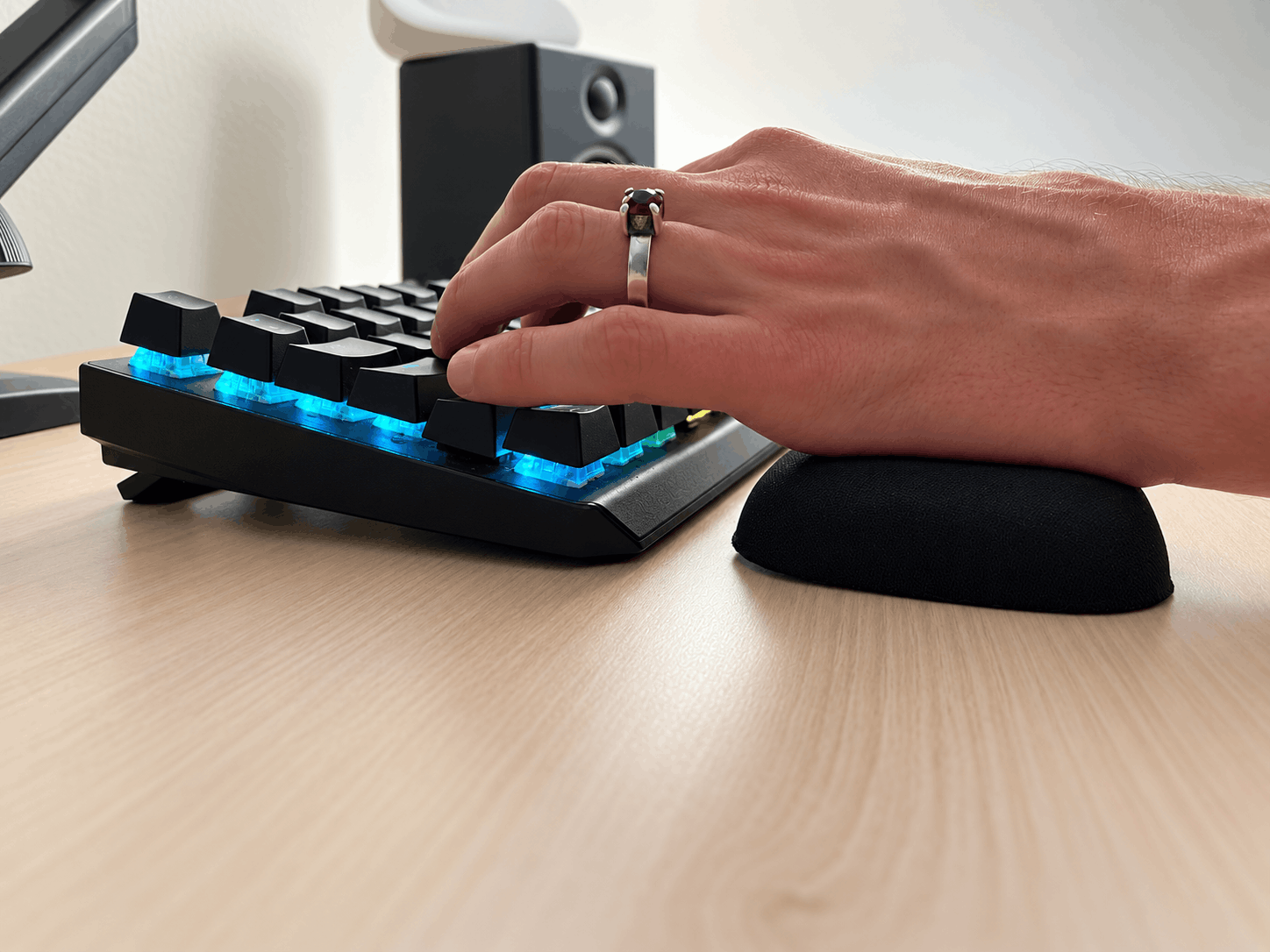
If you are comparing a keyboard wrist rest for carpal tunnel, the most useful question is how it fits your workstation. A thick mechanical keyboard, a slim office keyboard and a split board present different shopping problems. One cushion will not necessarily suit all three.
A keyboard rest can offer a place for your hands to settle between typing sessions. It should not become a reason to ignore symptoms or keep working in an uncomfortable position.
What a keyboard rest can and cannot do
Treat a keyboard rest as a comfort accessory. It cannot diagnose carpal tunnel syndrome, and a claim that a particular pad prevents or treats it needs evidence.
A Cochrane review found insufficient trial evidence to determine whether ergonomic positioning or equipment is beneficial or harmful for treating carpal tunnel syndrome. Its included trials concerned keyboards, so it does not establish the effectiveness of a specific wrist rest. See the review and its limitations.
Start with keyboard height
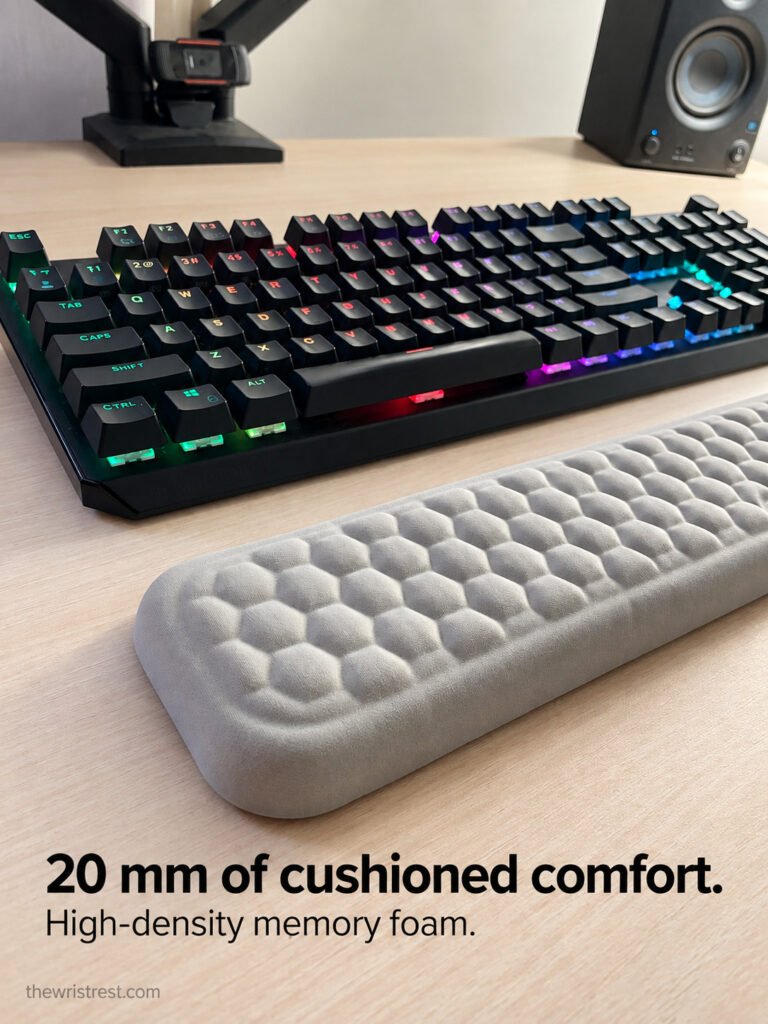
Look at your setup from the side before choosing a rest. Note the height and slope of the keyboard’s front edge, then compare the candidate support. OSHA recommends matching the support to those features and keeping hands free to move during typing. During pauses, contact should be at the heel of the hand rather than the wrist. Read OSHA’s wrist and palm support guidance.
This is why “thicker” is not a useful buying rule. A tall pad may feel impressive in isolation while being a poor match for a slim keyboard.
Measure width instead of trusting layout labels
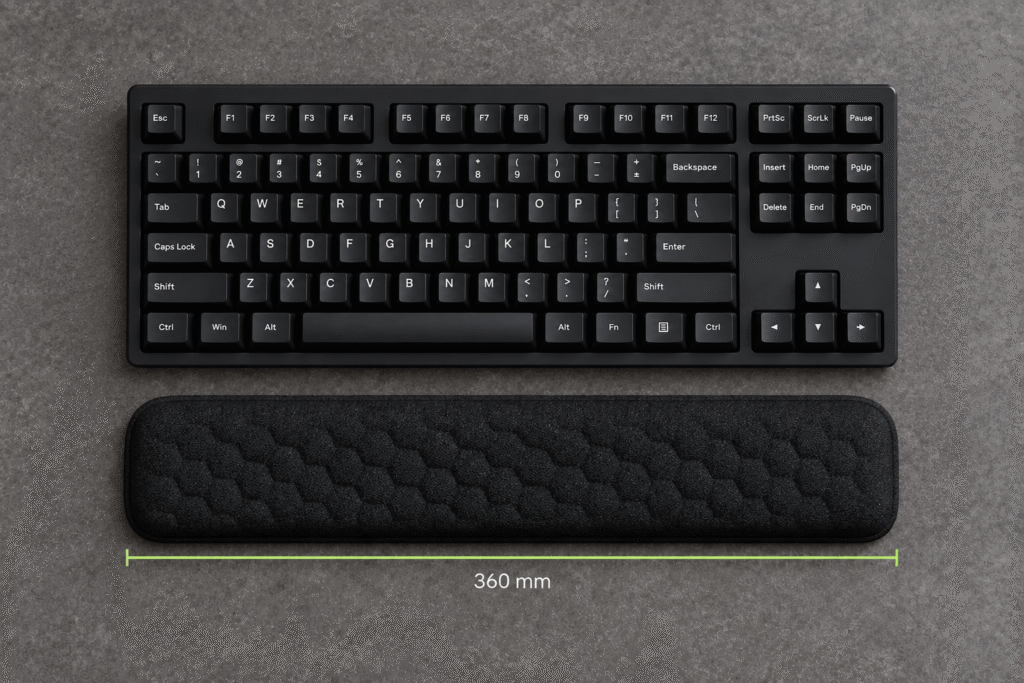
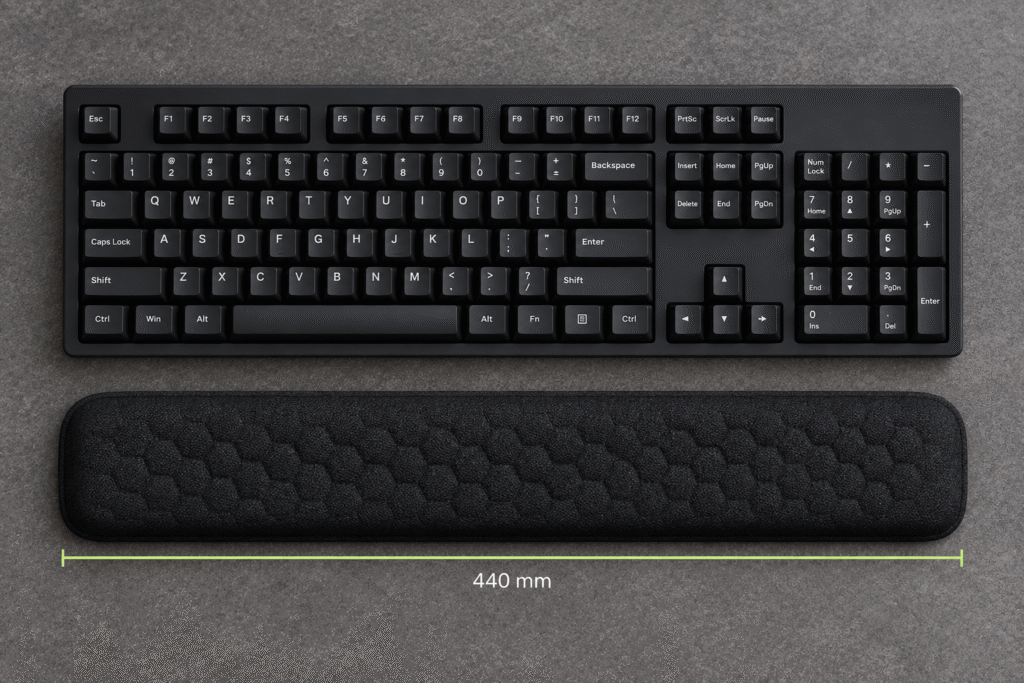
“Full-size,” “TKL,” “75%” and “60%” describe keyboard layouts, but they do not give you every measurement needed to choose a rest. Cases, bezels and shapes vary.
Record these details before buying:
- The keyboard’s actual width and front-edge height.
- The space available in front of it.
- The rest’s width, depth and listed height.
- Any contour or split shape that changes where your hands can land.
- The position of your mouse beside the keyboard.
For a split board, check each half’s placement. A single straight rest might look tidy but be inconvenient at your chosen spacing.
Assess the complete typing routine
A rest should suit more than your home-row position. Try a normal work sequence: write a paragraph, use Backspace, reach a shortcut, then move to the mouse.
Ask yourself whether the rest makes any of those transitions awkward. Does it slide? Does an edge catch your hand? Do you keep repositioning it? These observations are more useful than deciding based on a brief squeeze of the cushion.
Keep the evaluation simple. Test one accessory or setup change at a time so you can identify what you prefer.
Mechanical keyboard and laptop considerations
A mechanical keyboard wrist rest needs to fit the particular board, not merely carry the word “mechanical” in its listing. Compare the case dimensions and the support’s profile.
For a laptop, measure the space in front of the built-in keyboard and check whether an added rest blocks the trackpad or changes your reach. If you also use an external keyboard, evaluate that arrangement separately. The same accessory may not work well in both positions.
Frequently asked questions
Should I rest my wrists while actively typing?
OSHA advises keeping hands elevated above the support and free to move while typing. Use the rest as a place to pause, rather than anchoring the wrists throughout a sentence.
Does keyboard use cause carpal tunnel syndrome?
Avoid making that automatic connection. AAOS’s 2024 plain-language guidance says there is no evidence showing that heavy keyboard use causes carpal tunnel syndrome, although repeated movements or prolonged positioning can worsen the condition. Read the AAOS summary.
Can one rest fit every keyboard?
Do not assume so. Compare actual measurements and evaluate the support with your board, desk and chair arrangement.
Make the purchase specific
Bring your keyboard measurements to The Wrist Rest and compare them with each option’s specifications. A suitable keyboard palm rest starts with the equipment you already use.
Compare the keyboard rest sizes
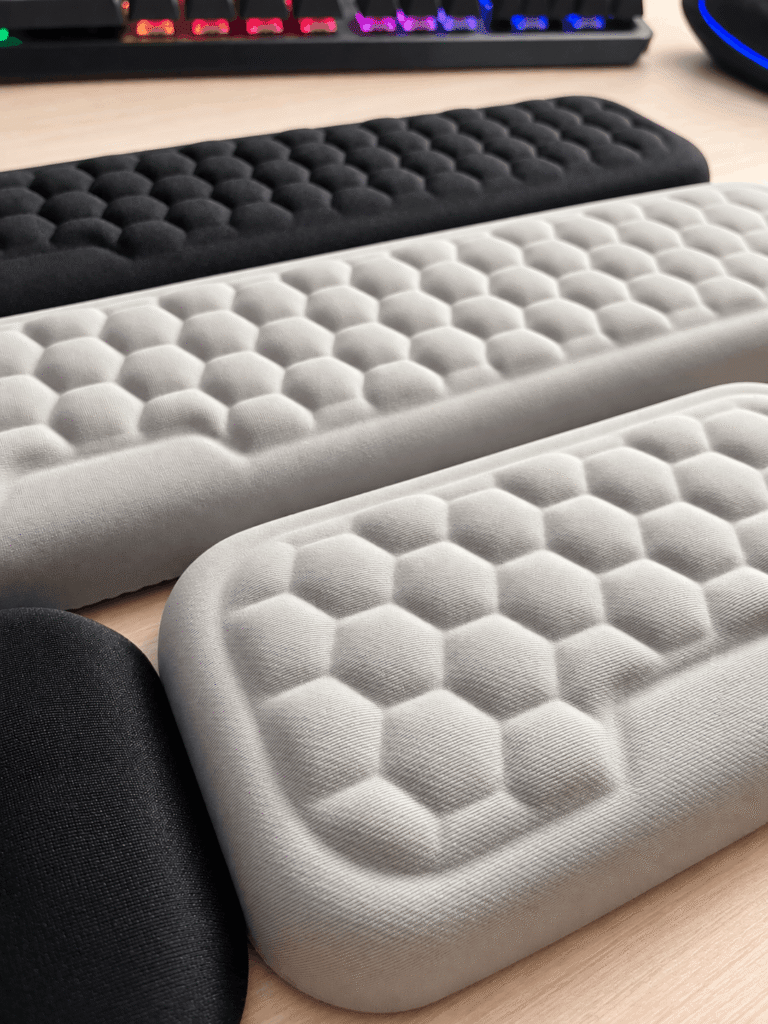
The Keyboard Wrist Rest is listed in 360 mm and 440 mm widths, with memory foam cushioning and Black or Gray color options. The homepage lists a 20 mm height for the range. Compare these specifications with your keyboard case and available desk space; a layout name alone does not establish compatibility.
If you also want a mouse support, the matching keyboard and mouse rest set includes your chosen keyboard width and a 150 mm mouse rest.
Related reading: mouse wrist rest fit and buying guide.