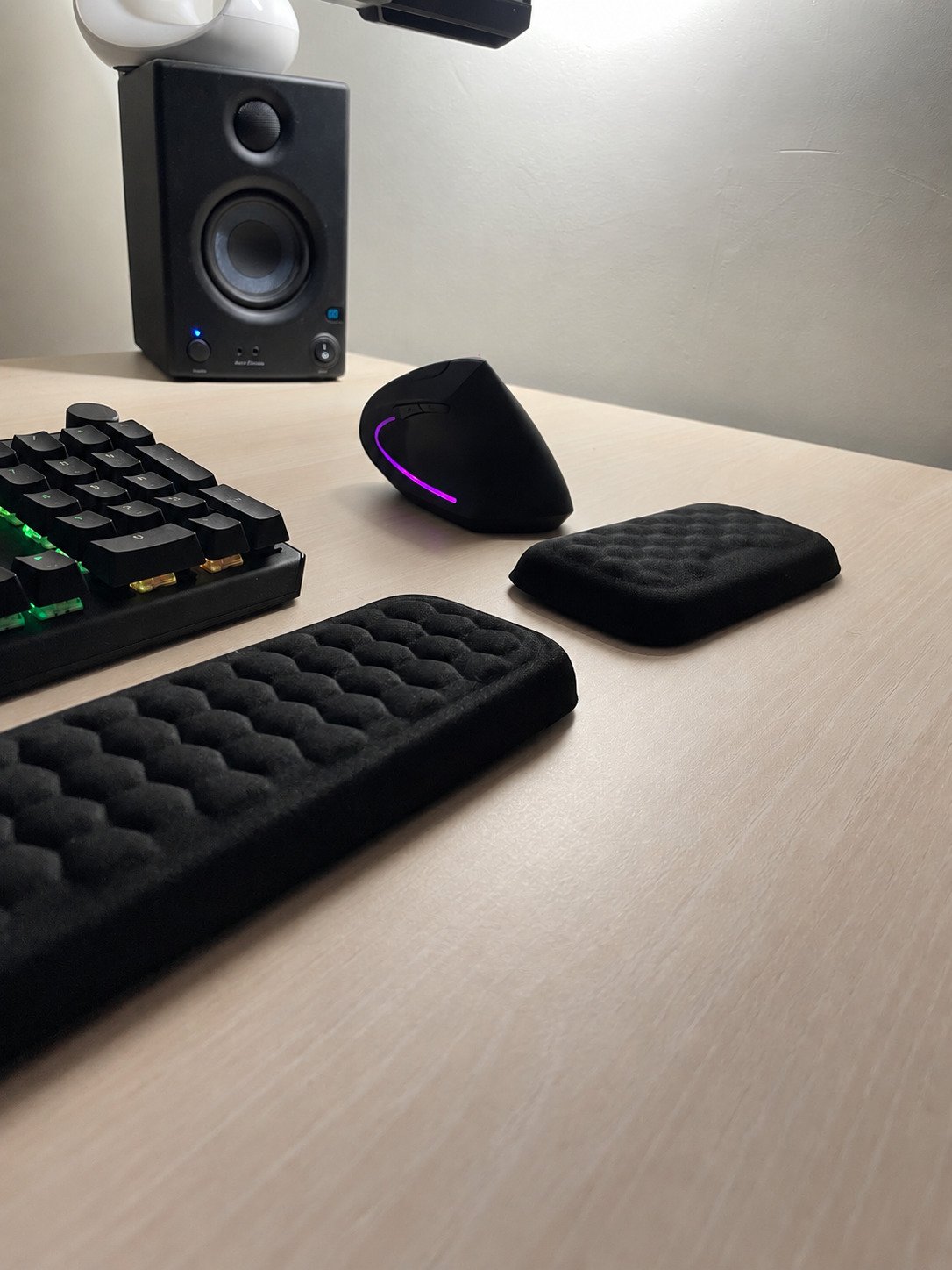
Shopping for a mouse wrist rest for carpal tunnel can be confusing. Some products promise pain relief; others focus on cushioning, movement or desk comfort. How do you decide which features matter?
Start with fit. A mouse rest needs to work with your hand, mouse and available space. It should not force you to reach farther or lock your hand into an awkward position. A comfortable accessory also should not be mistaken for medical treatment.
Can a mouse wrist rest help with carpal tunnel?
Carpal tunnel syndrome involves compression of the median nerve at the wrist. A rest does not establish why your hand hurts or replace assessment and treatment. AAOS explains the condition and its treatment options.
Use a mouse rest as a workstation accessory: evaluate how it feels and whether it fits your setup. Avoid interpreting “ergonomic” or “carpal tunnel mouse pad” as proof of a clinical benefit.
Compare these five features before buying
1. Height with your actual mouse
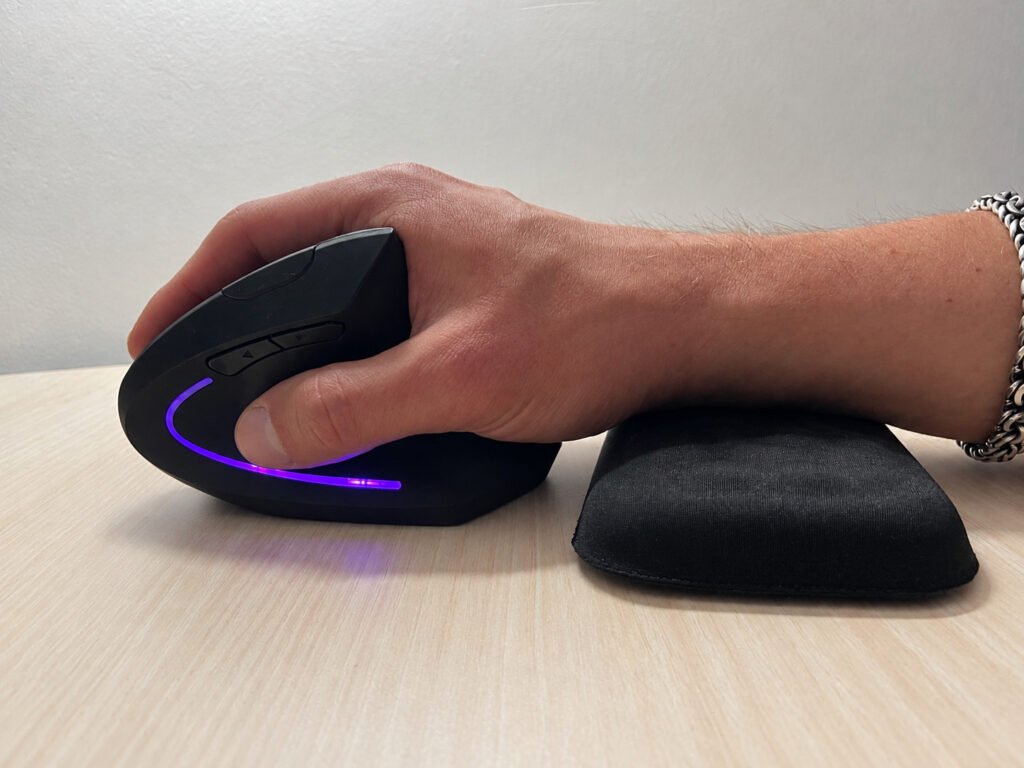
A product photo cannot show how the rest will position your hand on your mouse. Compare dimensions, then assess the combination from the side. Does the support feel like a comfortable landing place, or does it lift your hand into an angle you have to maintain?
If the fit feels forced, a different height or no rest may suit the setup better. Extra thickness is not automatically an upgrade.
2. Room for your normal mouse movement
Open a document and move between the corners of the screen. Try scrolling and dragging. Notice whether the support gets in the way or makes you pivot around a fixed contact point.
CCOHS recommends moving the mouse with the arm rather than relying only on wrist movement, using a light grip, and keeping the mouse within comfortable reach. Read its mouse selection and use guidance.
3. Usable tracking area
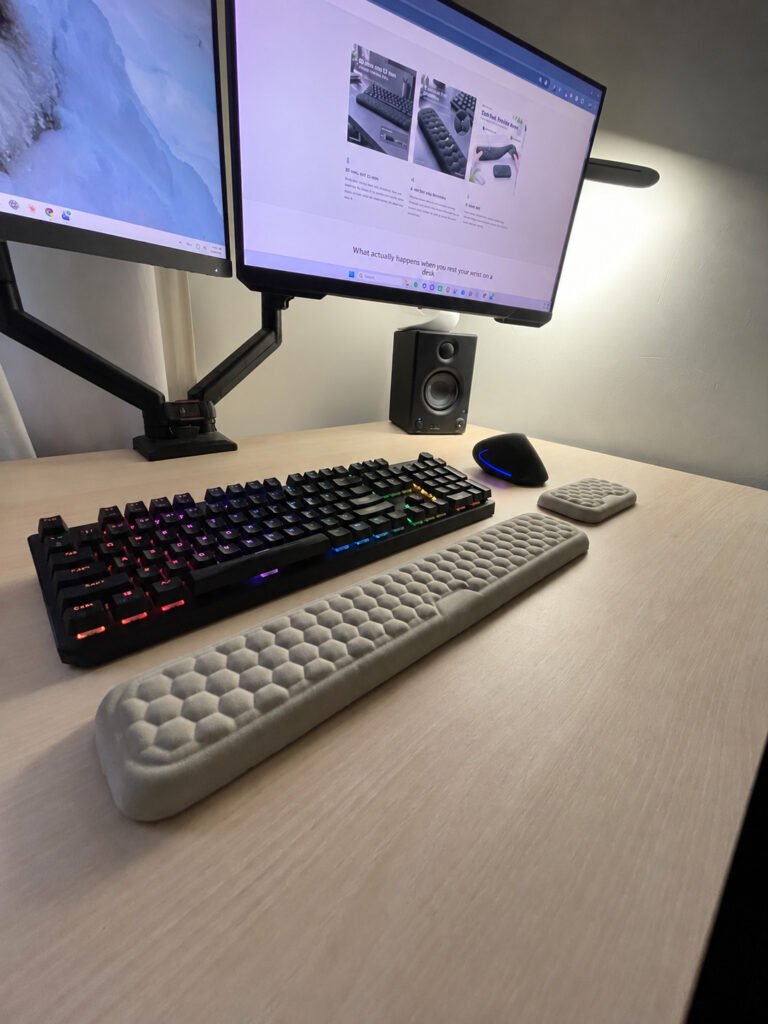
An integrated mouse pad combines two shopping decisions: a tracking surface and a raised support. Check how much flat surface remains after the cushion is accounted for. For gaming or broad cursor movements, test your usual sweep rather than choosing by the pad’s outer measurements alone.
4. Surface and contact feel
Check seams, edges and the cover where your hand lands. A rest that looks plush can still feel irritating in use. Review the care instructions as well: a surface that suits a shared desk may differ from the one you prefer at home.
5. Compatibility and return terms
Check handedness, mouse clearance and whether the support is stationary or designed to slide. Read the return conditions before testing it, including whether opened or used accessories can be returned.
Questions shoppers ask
What is the best mouse wrist rest for carpal tunnel?
There is no universal product recommendation here. Start with your mouse dimensions, movement style and available space. If you have diagnosed carpal tunnel syndrome, ask your clinician about changes appropriate to your symptoms.
Will a wrist rest fix hand numbness?
Do not assume that it will. Persistent or worsening symptoms deserve medical attention rather than another accessory purchase.
Do I need matching mouse and keyboard rests?
Matching colors or materials can be appealing, but assess each rest with the device it serves. A good keyboard fit does not establish a good mouse fit.
Choose around your setup
Before ordering, write down your mouse model, available pad space and preferred contact feel. Use those details to compare the options at The Wrist Rest. Choose on verified fit and specifications rather than a promise to cure carpal tunnel.
Compare the dimensions with your desk
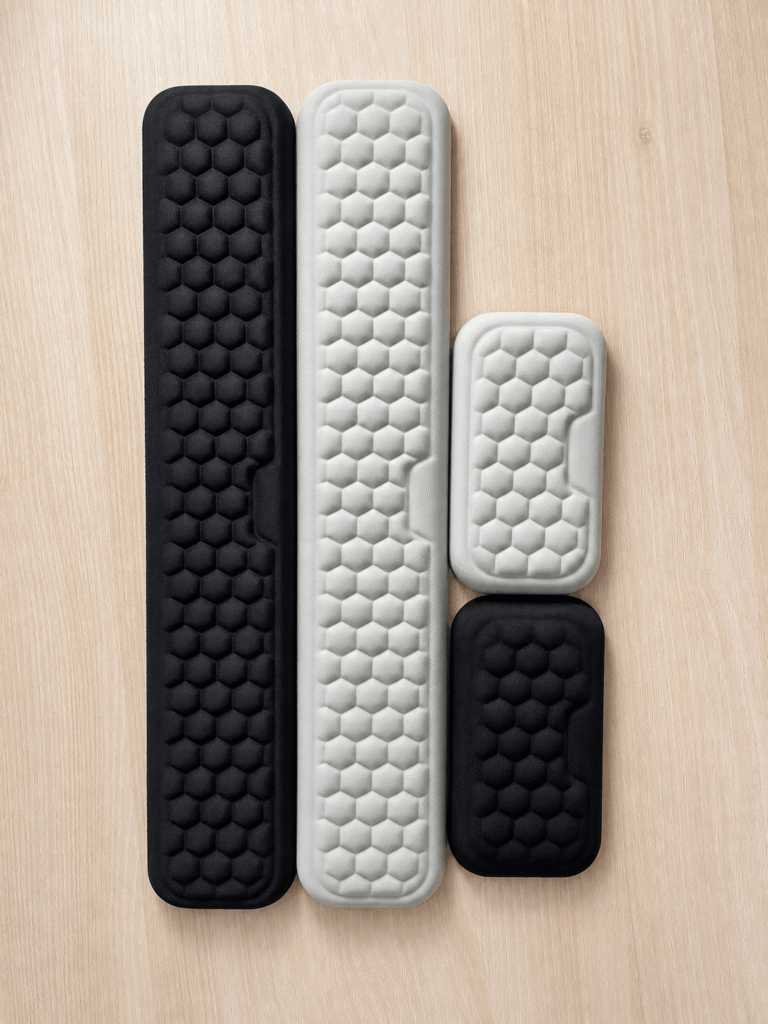
The Mouse Wrist Rest is a separate memory foam support listed at 150 mm wide, in Black or Gray. The store homepage lists a 20 mm height for the range. Check the available space and your normal mouse movement before choosing.
If you also want a typing support, the keyboard and mouse wrist rest set pairs it with a 360 mm or 440 mm keyboard rest. These are store specifications, not a guarantee of compatibility with every device.
Related reading: keyboard wrist rest fit guide.